≈
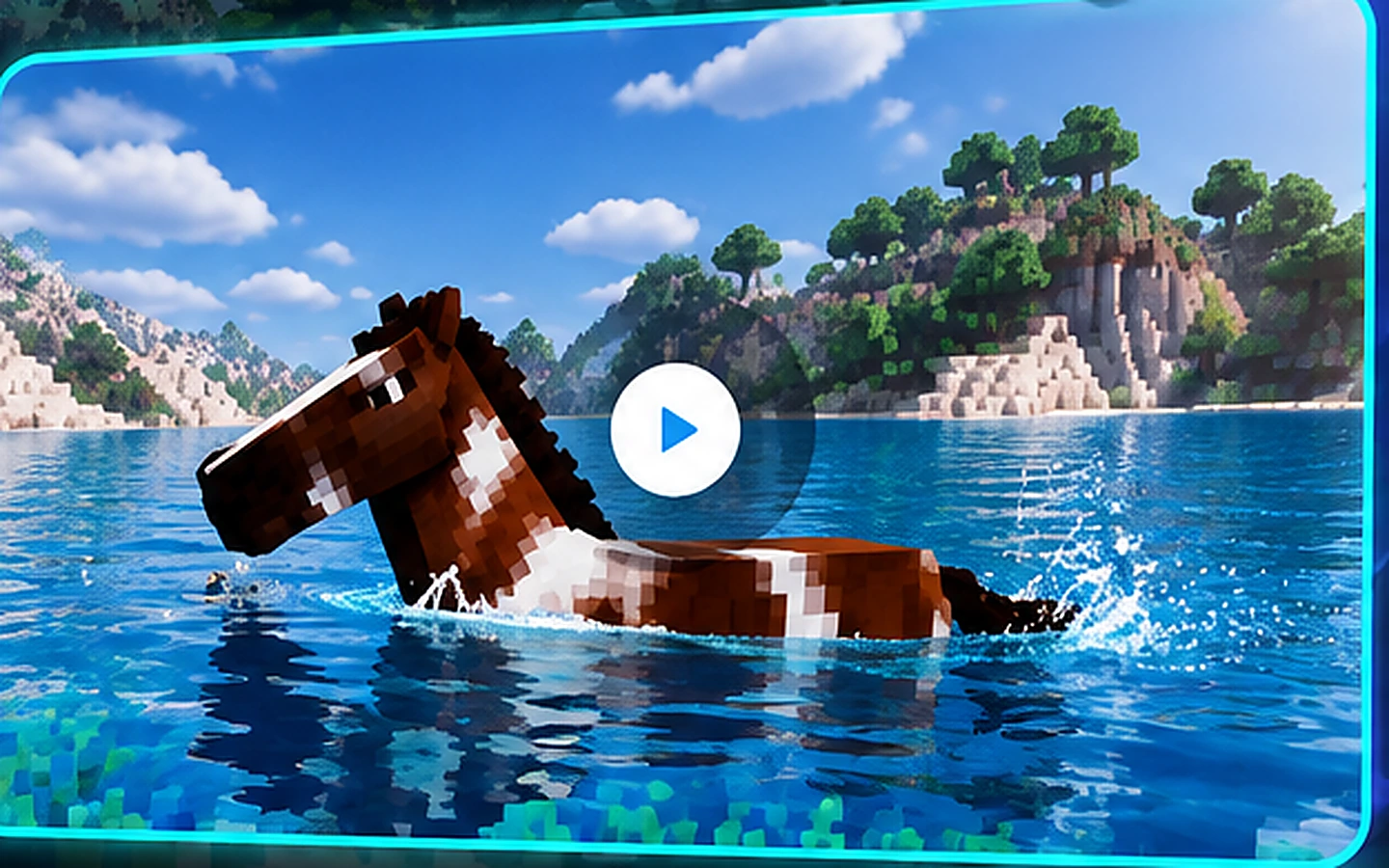
Horse Swimming
Expanded horse movement for water-focused routes and exploration.
Swem Mod brings swimming mechanics and aquatic features to Minecraft horses, adding new movement options and exploration possibilities to gameplay.
Swem Mod is presented here as a horse-focused Minecraft experience centered on richer equestrian movement and exploration. The site organizes download guidance, setup steps, feature explanations, compatibility notes, and troubleshooting in a format designed for both first-time mod users and experienced players.
The purpose is simple: make it easier to understand what to check before installing, what to expect in gameplay, and how to diagnose common problems without clutter or confusing URL structures.
Read the OverviewReview version compatibility first, back up your world, then follow the guided installation path. For official site navigation and updates, visit swemmod.com.
Open Download GuideEach capability is explained as a practical player benefit, with clear next steps placed under the heading rather than beside it.
Expanded horse movement for water-focused routes and exploration.
A smoother feeling transition between riding, terrain, and aquatic spaces.
Build a more personalized equestrian experience with gear-focused play.
Turn rivers, lakes, and shorelines into meaningful travel spaces.
Add more expressive horse-centered moments to everyday Minecraft sessions.
Use clear settings and setup guidance to match your preferred play style.
Follow verification-minded download and installation steps before adding files.
Plan mod usage around the same version and loader choices as your server.
Use focused installation, gameplay, and troubleshooting resources in one place.
Before you add the mod, align the Minecraft version, loader, dependencies, and server setup. Exact requirements are release-specific, so always verify the file you intend to install.
Keep a known-good copy of your world before adding or updating gameplay mods. Test in a separate profile so loader or dependency conflicts are easier to isolate.
Confirm game, loader, mod, and dependencies.
Back up worlds before the first launch.
Start with the smallest working mod set.
Different players can use the site to quickly find the part of the experience that matters most to them.
Useful for players planning water-connected builds and horse travel routes.
Verified layout sampleHelpful for checking version alignment before adding a horse-focused mod to a shared server.
Verified layout sampleIdeal for players who want a stronger reason to travel with horses across varied terrain and waterways.
Verified layout sampleA structured install path makes mod-loader and dependency checks easier to understand.
Verified layout sampleFeature summaries and screenshots provide clear reference material for tutorials and showcases.
Verified layout sampleCompatibility notes and troubleshooting sections keep technical information in predictable places.
Verified layout sampleUse a simple progression instead of changing everything at once. The goal is to learn the setup, confirm stability, understand the controls, and only then move into a long-term world.
Confirm that Minecraft starts cleanly with the intended loader, dependencies, and Swem Mod release.
Review key bindings and configuration options before relying on new movement behavior during normal play.
Try flat ground, shorelines, rivers, and other common travel conditions so you know what to expect.
Once the profile is stable and familiar, restore your normal mod set carefully and keep your backup available.
Installation, troubleshooting, performance, mobile notes, Bedrock guidance, and feature explainers are organized into focused pages.
A clean installation starts before the first file is moved. Confirm the Minecraft version, loader requirement, dependency list, and source of the release you plan to use.
Match the mod release to your game version and loader instead of relying on the file name alone.
Keep a separate copy of worlds you care about before adding, removing, or updating a gameplay mod.
Test the required components first, then add optional mods gradually so conflicts are easier to identify.
A stable profile is easier to update, troubleshoot, and move between machines. Keep the important details organized so you know exactly what changed when an issue appears.
Swem Mod is most useful when horse movement becomes part of the way you plan a journey, explore terrain, and prepare for longer routes. These ideas help turn the mod from a single feature into a more complete gameplay routine.
Think beyond roads and flat terrain. Rivers, lakes, shorelines, bridges, and mixed landscapes can become part of a deliberate travel plan instead of obstacles that end a ride.
Use a safe test world to understand how horse movement behaves around water before taking an important mount into unfamiliar terrain. A short practice session can make exploration feel more predictable.
Prepare your route, carry the items you normally depend on, and keep a clear return path. Treating horse travel as a repeatable routine makes longer exploration sessions easier to manage.
Quick answers covering downloads, installation, security, licensing, updates, troubleshooting, and alternatives.
Swem Mod is a Minecraft horse-focused modification associated with expanded equestrian gameplay. This site focuses on swimming-oriented mechanics, setup guidance, feature overviews, and practical troubleshooting so players can understand how the mod fits into their game before changing an installation.
Use a release source you can verify, check the listed Minecraft and mod-loader compatibility, and avoid files that are repackaged with unrelated installers. The download page on this site is designed as a clean starting point and should be connected to the verified release location you trust.
Version support can change between releases. If you are targeting Minecraft 1.20.1, compare the mod file version, loader requirement, and dependency list before launching. A matching game version alone is not always enough if the required loader or supporting libraries are different.
Java Edition mods are not installed on mobile in the same way as desktop Java mods. Mobile or Bedrock users should look for separately published add-ons or compatible projects rather than assuming a Java mod file will work. Check the platform notes before downloading anything.
Mod licensing and redistribution terms are controlled by the project publisher. Review the license and release page associated with the file you plan to use. Do not assume that a free download automatically grants permission to redistribute, modify, or bundle the mod elsewhere.
Safety depends on the file source and your setup. Prefer trusted release pages, keep a backup of your world, scan downloaded files, and avoid executable installers when a normal mod package is expected. Security claims should be based on the exact file you download, not the mod name alone.
Common causes include a mismatched Minecraft version, the wrong mod loader, a missing dependency, or another mod conflict. Start by reading the crash log, confirm every required version, then test with a minimal mod set. Reintroduce other mods one at a time if the base setup works.
Back up your worlds first, read the release notes, and verify whether the newer file needs a different Minecraft version, loader build, or dependency. Replace only the intended mod file and keep a copy of your previous working setup until the new version launches correctly.
Multiplayer usually requires everyone who needs the mod to use compatible versions, while the server may also need the relevant loader and mod files. Confirm the project documentation for exact server requirements and test on a backup before migrating an active world.
Confirm the feature exists in the version you installed, then check key bindings, config options, dependency versions, and conflicts with movement-related mods. If the problem persists, reproduce it with the smallest possible mod set and keep the latest log available for troubleshooting.
Horse-focused mods typically extend or alter parts of horse gameplay rather than simply replacing every vanilla interaction. Exact behavior can vary by version and configuration, so review the feature list for the release you install and test in a backup world before committing a long-running save.
There are other Minecraft projects focused on mounts, animations, animal behavior, or equestrian gameplay. The right alternative depends on whether you want detailed horse care, new mounts, visual upgrades, or broad compatibility. Compare features and supported game versions rather than choosing only by name.
Memory needs depend on Minecraft version, texture packs, shaders, mod count, and world size. For a modest modded setup, allocate enough memory for stable play without assigning nearly all system RAM to Java. Monitor actual usage and increase gradually if you see memory-related stutter.
Create a backup before adding or removing any gameplay mod. Existing worlds may continue to work, but removing content later can leave missing data or unexpected behavior. Test a copy of the world first so you can confirm compatibility without risking your main save.
Keep Java, the mod loader, and required dependencies aligned with your Minecraft version. Reduce heavy shaders, high render distance, and unnecessary background apps. If performance drops after adding multiple mods, test them in smaller groups to identify the largest source of load.
Many Minecraft mods depend on a specific loader and sometimes additional libraries. The exact requirement is release-specific. Check the file metadata and documentation before installation, and never mix files built for different loaders unless the project explicitly supports that setup.
Eight article pages use clean folder-based URLs and include two optimized 16:9 WebP images each.
Focused guidance for players who want a cleaner setup and clearer next steps.
Read guide →
Focused guidance for players who want a cleaner setup and clearer next steps.
Read guide →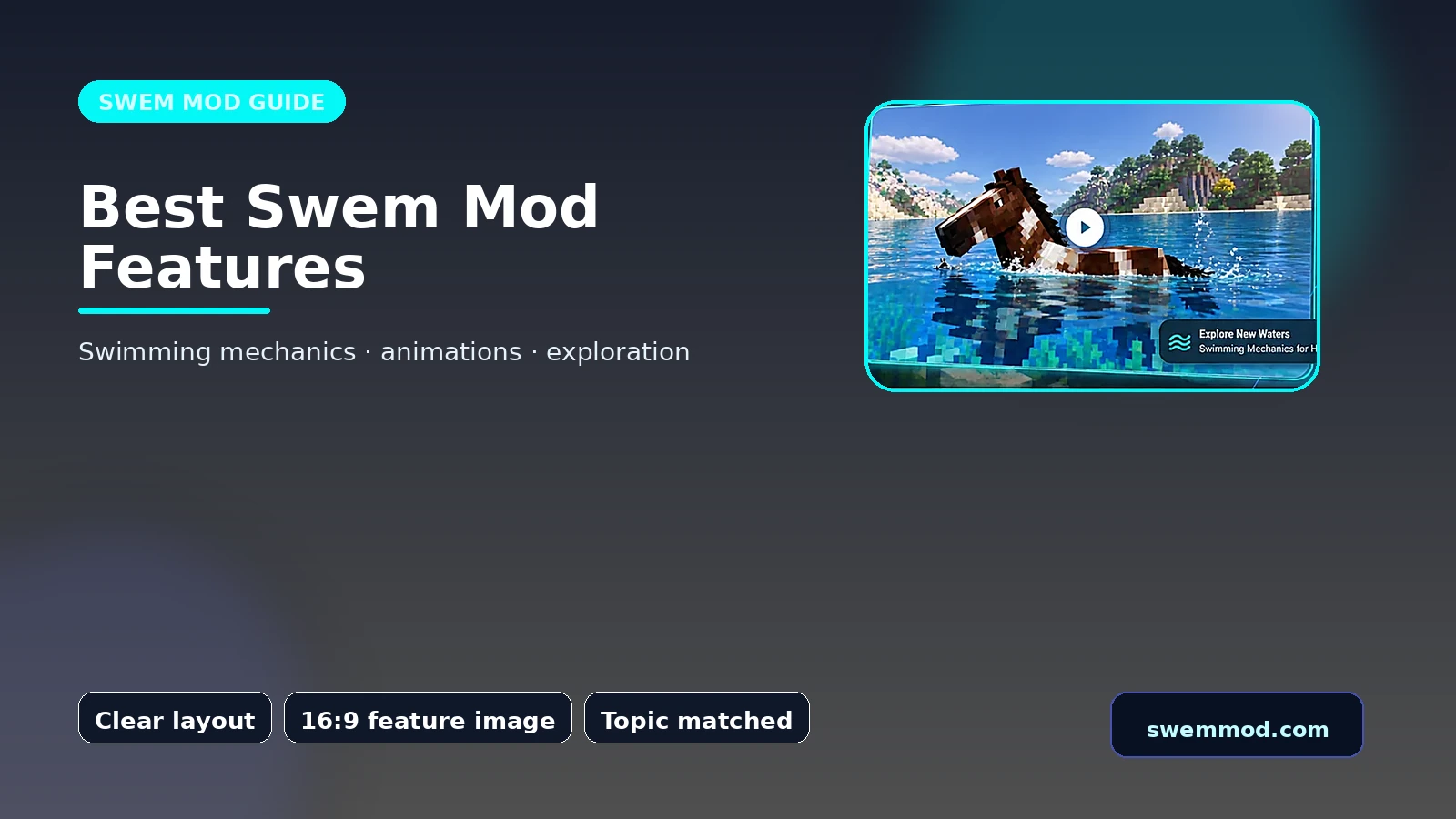
Focused guidance for players who want a cleaner setup and clearer next steps.
Read guide →
Focused guidance for players who want a cleaner setup and clearer next steps.
Read guide →
Focused guidance for players who want a cleaner setup and clearer next steps.
Read guide →
Focused guidance for players who want a cleaner setup and clearer next steps.
Read guide →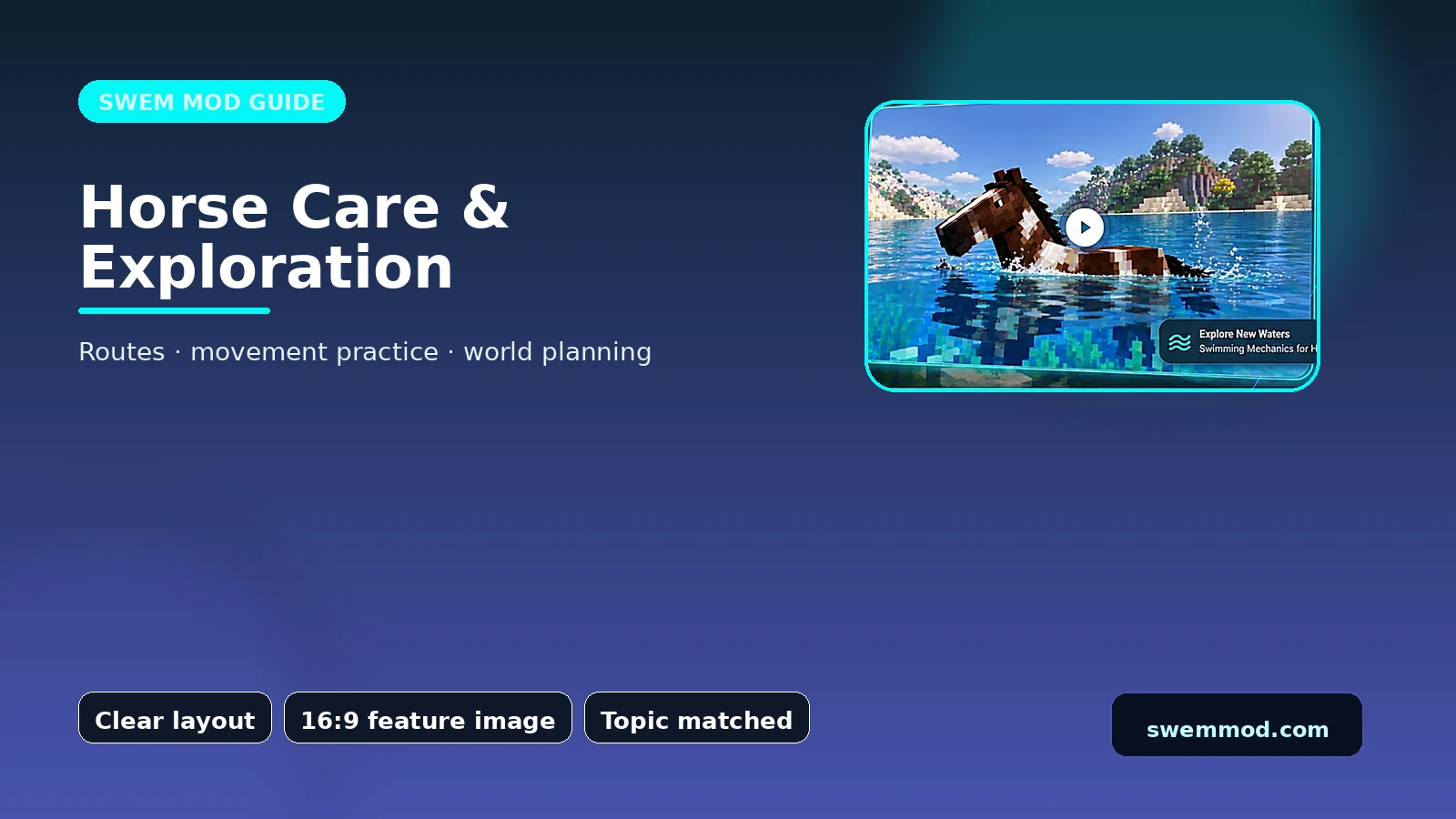
Focused guidance for players who want a cleaner setup and clearer next steps.
Read guide →
Focused guidance for players who want a cleaner setup and clearer next steps.
Read guide →Use the contact page for site feedback, broken links, or content corrections. Gameplay bugs are best reported through the relevant mod project's supported channels.
Email: [email protected]
Address: 140 Digital Avenue, Austin, TX 78701, USA